CapCut
All-in-one free video editor for PC & Mobile

Safe & Secure
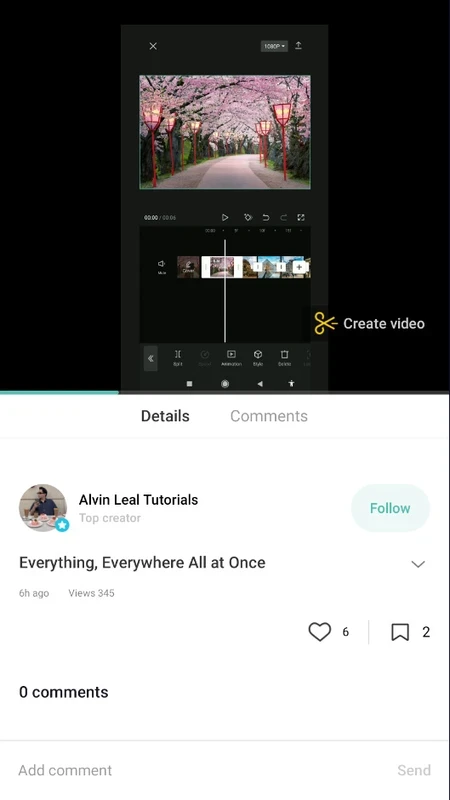
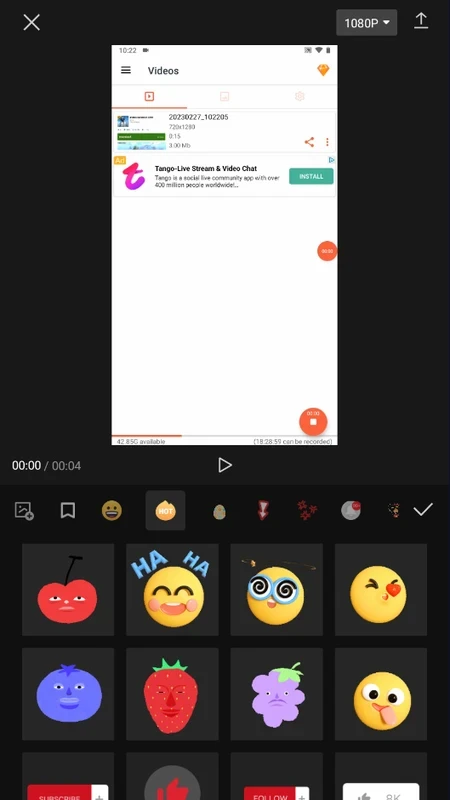
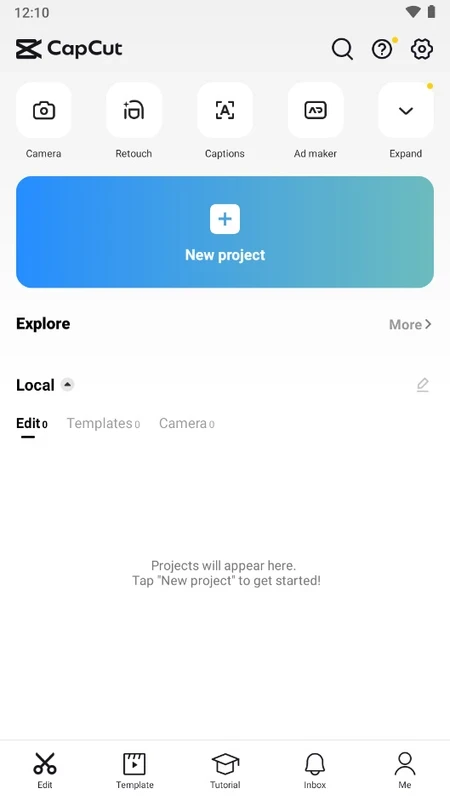

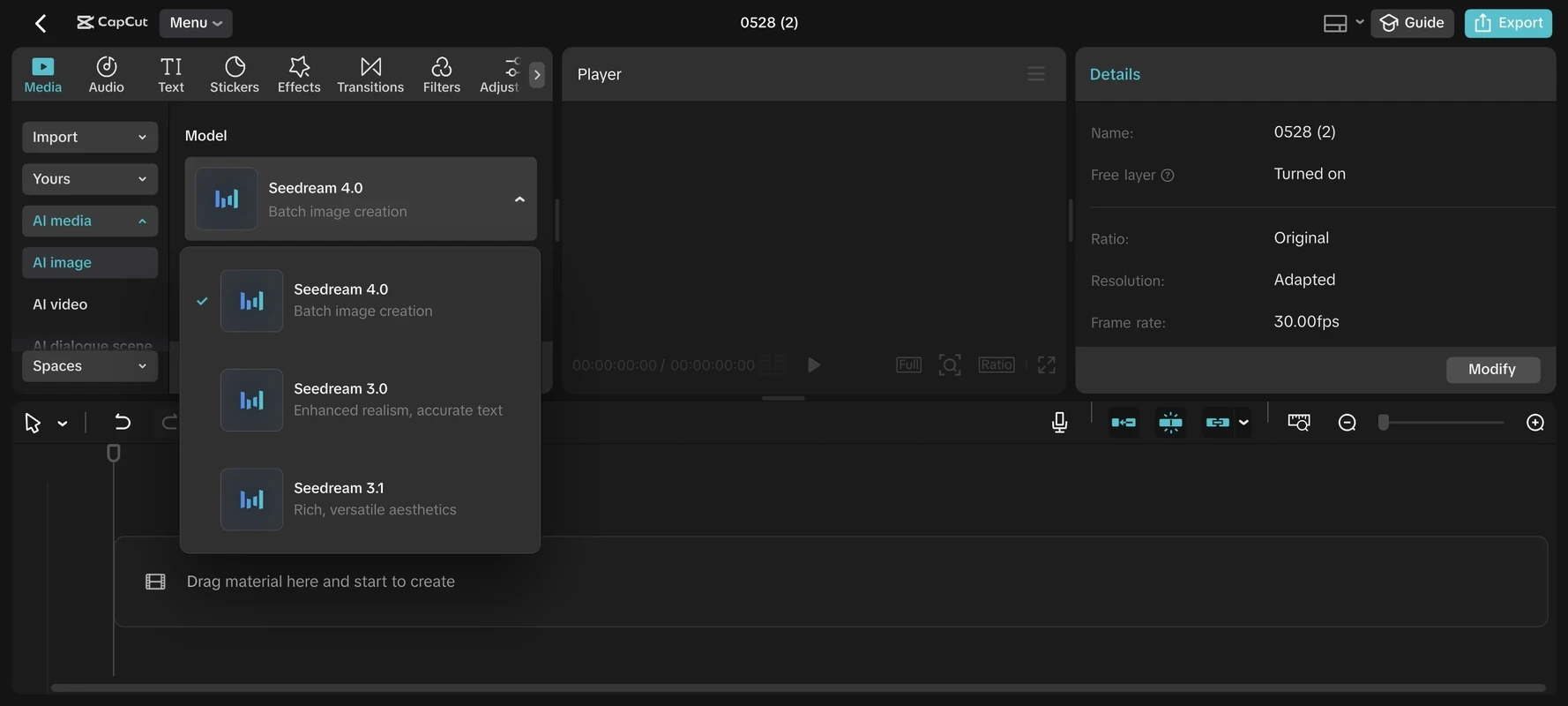
CapCut is a powerful AI-powered video editing software to offer unparalleled editing services in different scenarios, such as creating awesome reels for Instagram, edit short-form material for TikTok, stunning shorts for YouTube, and so on. The feature-rich functionality allows the users reliably trim, merge, split, and adjust clips to create high-quality movies within very short time. As compare to other professional video editing program, CapCut is a simple program with basic features, but creating an awesome balance between built-in editing tools and premiere editing programs.
CapCut offers huge variety of trending, glitch, and 3D styles, boasting an enrich library with effects and templates. the editing functionality excels within cross-platform compatibility, offering a smooth and uninterrupted workflow, as complete your project on your PC started from you mobile.
Import the video, make changes such as saturation, tone, and brightness of the clips, and all other editing procedure, without paying a penny. Flawless handling of multiple video layers, and adding of stunning stickers, animation, sounds, masks, and filters will be resulted to achieve polished, professional aesthetic visual content with high resolution up to 4K HDR.
In addition, the support for HTTPS and SSL encryption offers fool-proof editing procedure with highly protected cloud storage space with AES 128-bit encryption. Add customized backgrounds, animations to the titles and transitions for text and images, and use Auto Velocity function to change the speed as well.
The AI-driven functionality is also available, but limited as compare to other premium editing programs. However, you will find text-to-speech function with multilingual support up to 93 languages, and also a Voice changer and video translator for altering your audio in the way your desired.
What’s more, give prompts to generate high-quality text and images, and get short videos from long videos with a single click without losing the quality and speed. Moreover, create clean visuals or composites while removing unwanted background.
However, the app also has some drawbacks, such as the edited videos duration is limited to 15 minutes, and offers only 1GB uploading facility for free users.
The innovative app with exceptional free video editing functionality, balancing between user-friendly and professional capabilities. It empowers the users to create high-quality visual content, using extensive library enrich with basic adjustments as well as advanced AI functionalities, and upload the edited content on multiple social media platforms for free.
Pros
Cons

All-in-one free video editor for PC & Mobile

Get optimized converted multimedia files with Format Factory

Green Convert is a free video converter to offers a quick conversion and editing videos with support for limitless formats

Free Cam, capture, record, and edit videos to upload directly on YouTube

VLC supports multiple audio/video formats to play your multimedia.

Streamlabs OBS is a offer you online and offline broadcasting.